Stocks in a sentence.
Buy and sell supported xStocks with USDC, including NVIDIA, Apple and the S&P 500.
Explore stocksLIVE IN THE SOLANA dAPP STORE
A stock trade. A swap. Your balance.
Start with a sentence, right from your phone.
On your Seeker, open the dApp Store and search StonksApp.
Type a request. See your quote before you trade.
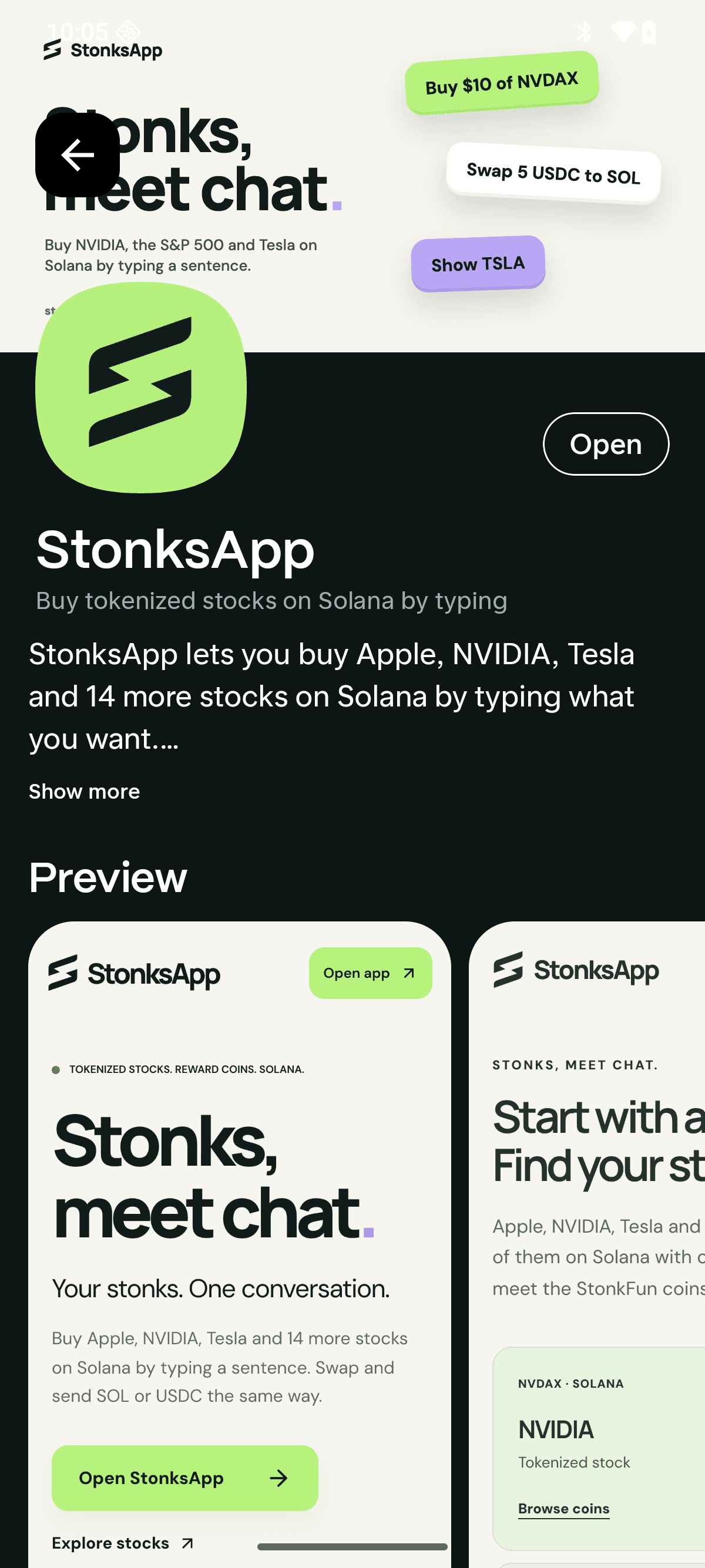
Buy and sell supported xStocks with USDC, including NVIDIA, Apple and the S&P 500.
Explore stocksSwap SOL and USDC, or send either to a Solana address or saved contact.
Check your holdings and follow transaction activity from the same app.
A FEW TAPS. THEN JUST TYPE.
Get the app, connect your wallet, and start a conversation.
Open the Solana dApp Store on your Seeker. Search StonksApp, select its listing and install it.
Open the storeFinish setting up your Solana wallet, such as Seed Vault Wallet. Open StonksApp, connect and approve the free sign-in on your phone.
Start with “show my balance”. When you’re ready to trade, keep USDC for stock purchases and SOL for network fees.
Scan to open this page on your Seeker, then tap Open dApp Store.
stonksapp.fun/seekerA HAND WHEN YOU NEED IT.
Send us the exact error, app version and what you were trying to do. Never send a seed phrase, private key or PIN.
Contact supportThe button opens the Solana dApp Store app on a supported phone. If your browser doesn’t open it, go to the dApp Store directly and search StonksApp. On a computer, scan the QR code on this page to open it on your Seeker.
Search for StonksApp as one word and check that your dApp Store is up to date. Listing availability can vary by country. If it still doesn’t appear, contact us with your country and dApp Store version so we can investigate.
Finish your wallet’s setup first, unlock it, and install any available wallet and Seeker system updates. Then return to StonksApp and connect again. Complete the sign-in prompt on the phone and return to StonksApp. If it fails, send support the exact error and your app version.
Keep SOL in your Solana wallet for network fees and token-account creation. Stock purchases use USDC. StonksApp shows the amount, minimum received and fees in the review before your wallet asks you to sign. Available routes and costs can change, so request a fresh quote if one expires.
No. The web app also works with supported wallets on desktop and mobile. This download page is for the Solana dApp Store edition on Seeker. Each network keeps its own wallet, assets and balances.
YOUR NEXT MOVE IS A SENTENCE.
Stock access depends on your location, residence and eligibility. xStocks are tokens that track underlying assets; they are not company shares. Read the terms.